 XBookmark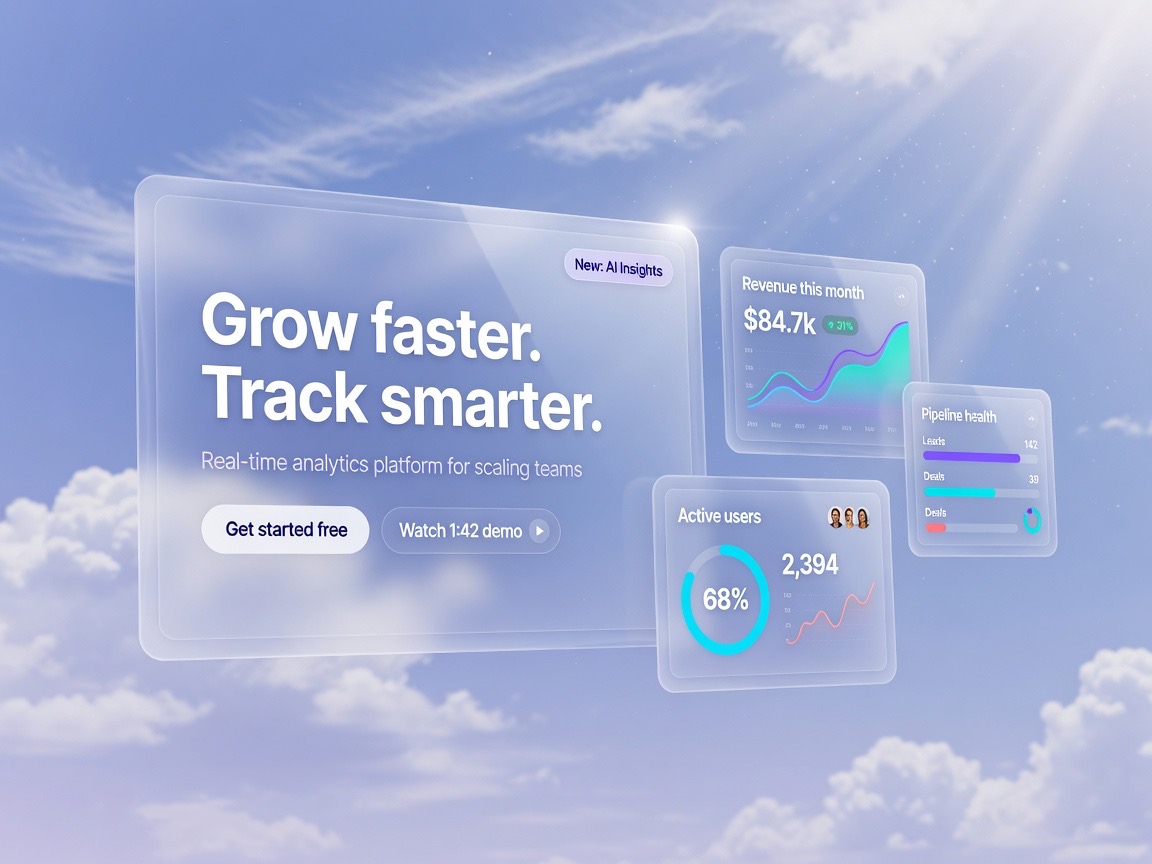
How we rebuilt onboarding around one hero moment.
A teardown worth keeping — glass UI, sky stage…
ON-DEVICE AI FOR EVERYTHING YOU SAVE
Turn a chaotic X feed into a clean Mac library. Categorized on-device, searchable by sight and sound — never leaving your machine.
A teardown worth keeping — glass UI, sky stage…
 0:42
0:42Soft aerial mood for a travel campaign…
 ❑ 4
❑ 4Concrete, glass, empty rooms — pure form…
The best codebase I've ever worked in had boring code and thrilling docs. Aim for that.

Analytics UI that feels like a cockpit…
 0:18
0:18Skincare product work for a spring drop…

Industrial packaging study, no labels…
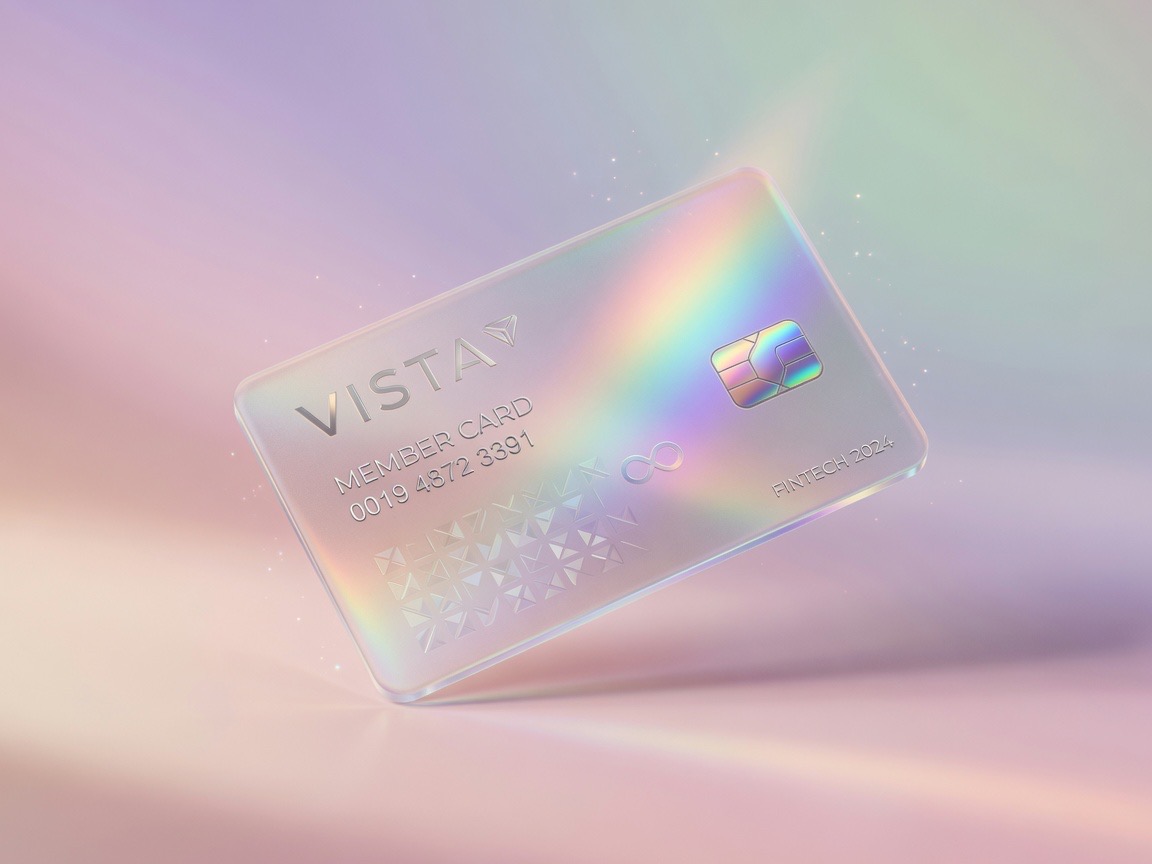
Glass, gradient, a little sci-fi…
 1:05
1:05Long exposure sports frames from last week…
 0:31
0:31Match-day stills for a kit launch…
 2:14
2:14Empty studio set for a product shoot…

Lavender, peach, soft blue — no hard edges…
You bookmarked it for a reason. XBookmark remembers the reason.
On-device vision + Apple Intelligence looks at the images, not just the words. Correct it once — it learns your taste.
Text in screenshots, speech in videos, visual look-alikes — all indexed. Find the post by what was in the clip.
Describe a vibe — “light landing pages, bold type” — and get a curated board from your own library, with an exportable brief folder.
NEW MOODBOARD
Saved clips are transcribed. Jump to the second that made you hit bookmark.
01:12…crowd up, final whistle, lights still burning…
Any language, readable in yours — on-device, including Turkish, Arabic, Japanese.
TR tipografi burada tek başına kahraman
EN the typography is the hero here
Bookmark on X — it appears here. Full history import. Phone saves included.
No new habits. Keep bookmarking on X like you always have.
One click in Chrome. It watches X for your bookmarks — nothing else.
Save posts from any device. The extension picks them up automatically.
Everything lands in XBookmark — categorized, searchable, yours.
No cloud. No account. No analytics. Models run on your machine, the library lives in your sandbox, and the only network calls fetch your media from X.
Early-bird pricing while XBookmark is new.
Apple Silicon · macOS 26+
In a local database on your Mac. XBookmark has no servers, no accounts, and never uploads your bookmarks anywhere.
Apple Intelligence for text plus a local vision model, downloaded once on first launch (~2 GB). Everything runs on your machine — no accounts, no API keys.
No. One payment, yours forever, free updates. 30-day full refund if it’s not for you.
An Apple Silicon Mac on macOS 26 or later, and our free Chrome extension (one click from the Chrome Web Store) for syncing.
Yes. The extension can walk your full X bookmarks list once and pull everything in.